Shelf
Drag a file to the top edge to park it, then drag it into another app.
Public preview
Nightdrive is a fast, beautiful, keyboard-driven Hyprland desktop for Fedora. Thoughtful down to the little details, and easy to make your own.

THE LAUNCHER
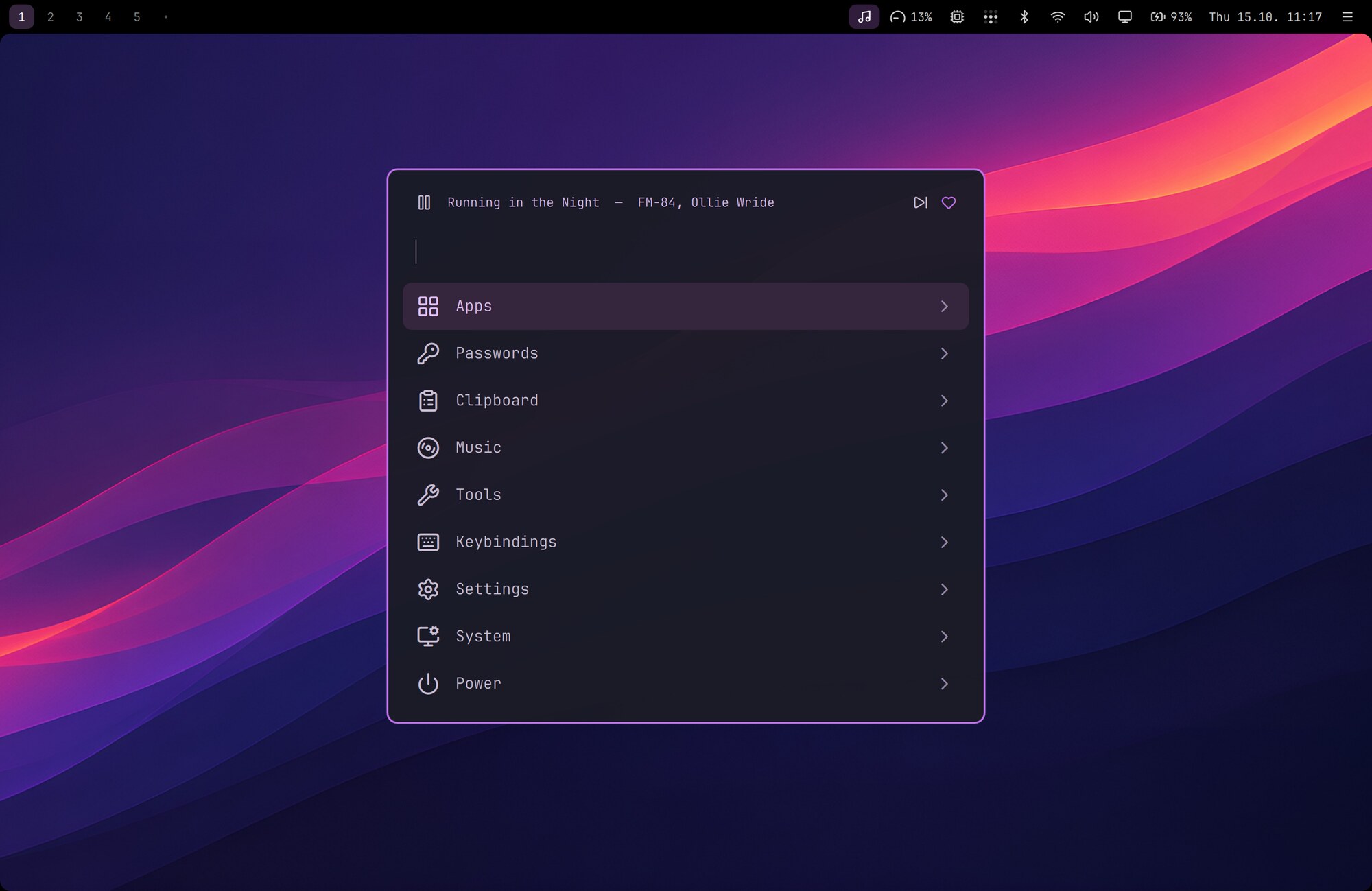
One search finds apps, passwords, clipboard history, snippets, screenshots, emoji, settings, installs, your music, your smart home's devices… you name it. While music plays, a player row sits on top.
Type a question and press ⌘⌥Enter to send it straight to Claude Code.
THE TOP BAR
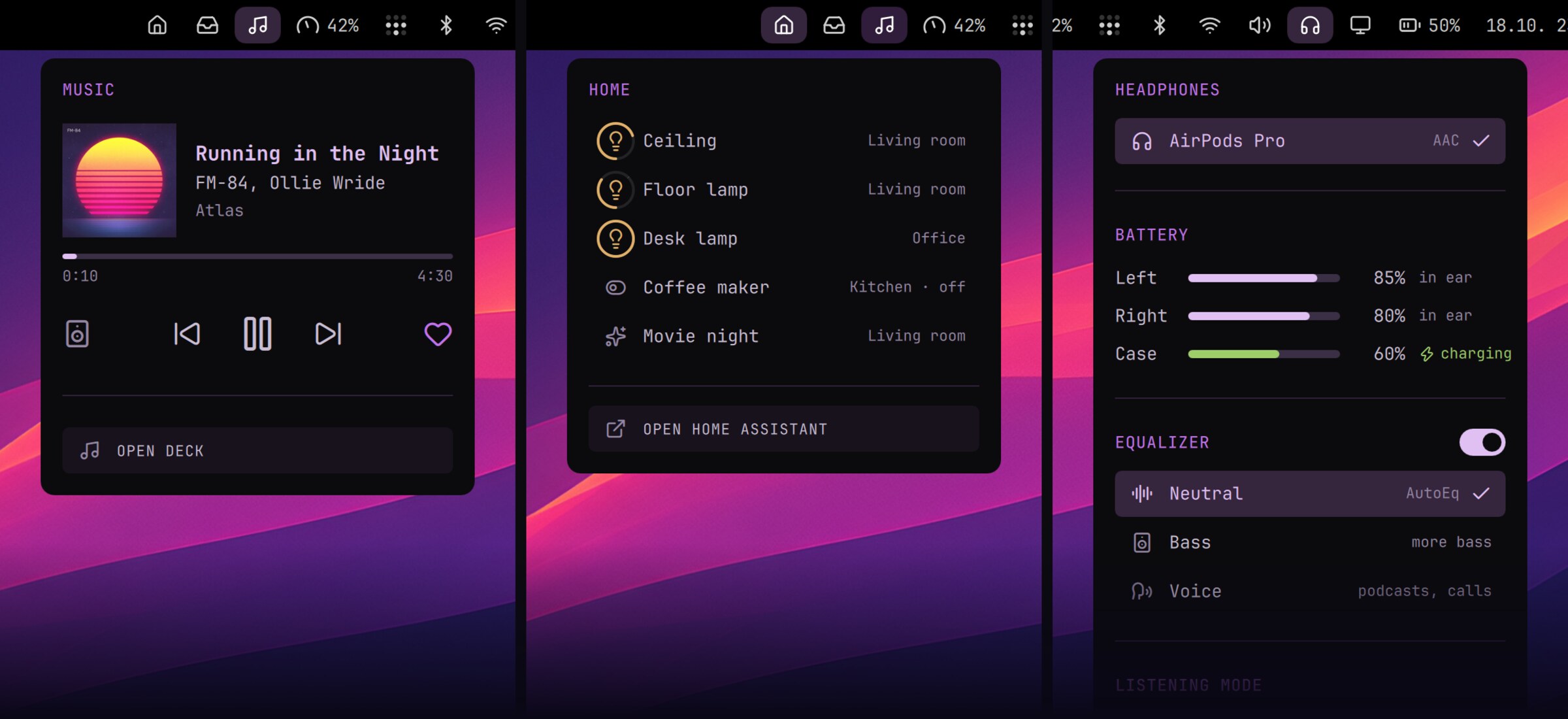
Click an icon and a small menu drops down: sound, Wi-Fi, Bluetooth, battery, headphone EQ, temperatures, the calendar, notifications, even your Claude usage limits. Plugins bring their own: music, Tailscale, your smart home. ⌘⇧Space walks through them with the arrow keys.
HANDS ON THE KEYS
Computers used to be driven from the keyboard, and it was quick and fun. Nightdrive brings that back. ⌘ is the main key (Command on a Mac, the Windows key on a PC), and Caps Lock becomes Hyper, the app key. These few are worth learning: after a day, you'll rarely reach for the mouse.
And of course they're yours to change: every shortcut lives in one plain file,
config/hypr/bindings.lua. All the shortcuts
THE DETAILS
A drawer for the windows you keep coming back to, dictation that stays on your machine, a shelf for files on the move. Small things, thought through. Makes every day a little smoother.
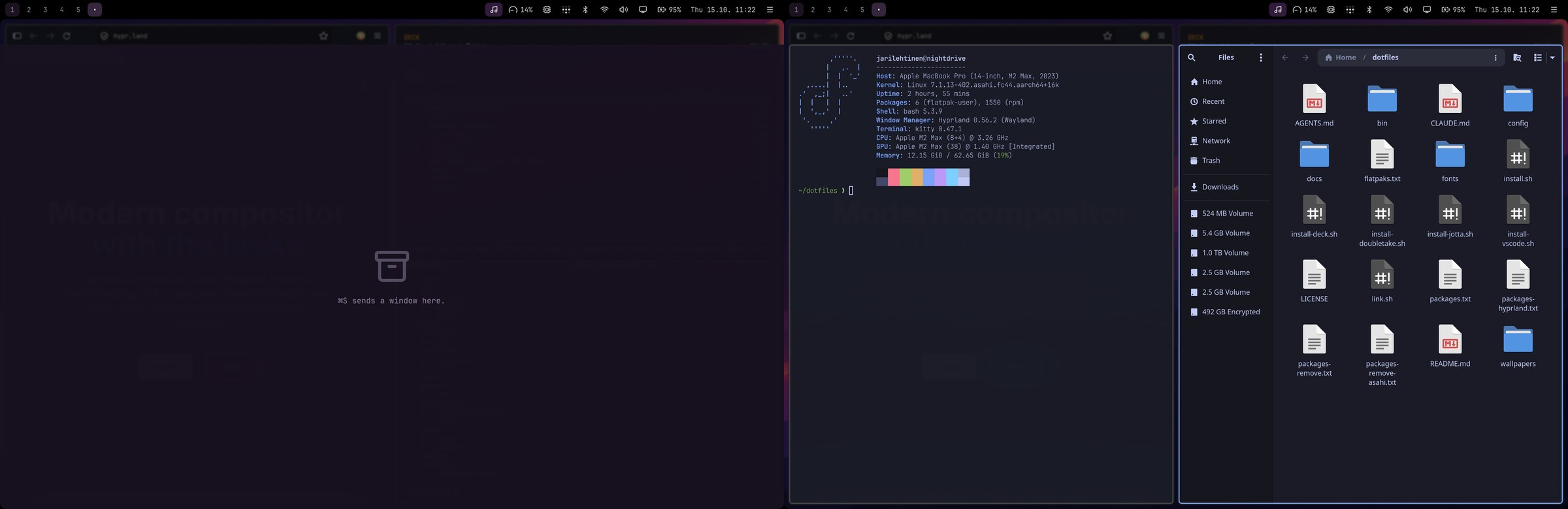
Drag a file to the top edge to park it, then drag it into another app.
Hold F5 (or Fn on a Mac), speak, let go. Runs offline on your machine with Parakeet.
Mirror to an Apple TV or AirPlay TV, with sound, from the display menu.
A synthwave sunset, a falling-character rain and a big sliding clock, drawn right in the terminal.
Turn any site into an app window. WhatsApp, Slack and YouTube are ready-made.
Optional parts stay out of sight until you install them. Then they just show up.
GET STARTED
Nightdrive installs on top of a fresh Fedora 44 in a few minutes. Run one command in a terminal: the installer asks which optional parts you want, then sets up the rest. You can read the script first, or install by hand.
Apple Silicon
M1 or M2 series, with Fedora Asahi Remix 44 (KDE edition).
x86_64
NVIDIA, AMD or Intel graphics, with Fedora 44 KDE. A virtual machine works too.
**** NIGHTDRIVE 64 BASIC V2 ****
64K RAM SYSTEM 38911 BASIC BYTES FREE
READY.
10 curl -fsSL https://nightdrive.sh/install | bash
RUN