1Password
Your passwords, right in the launcher.
nightdrive plugins install 1password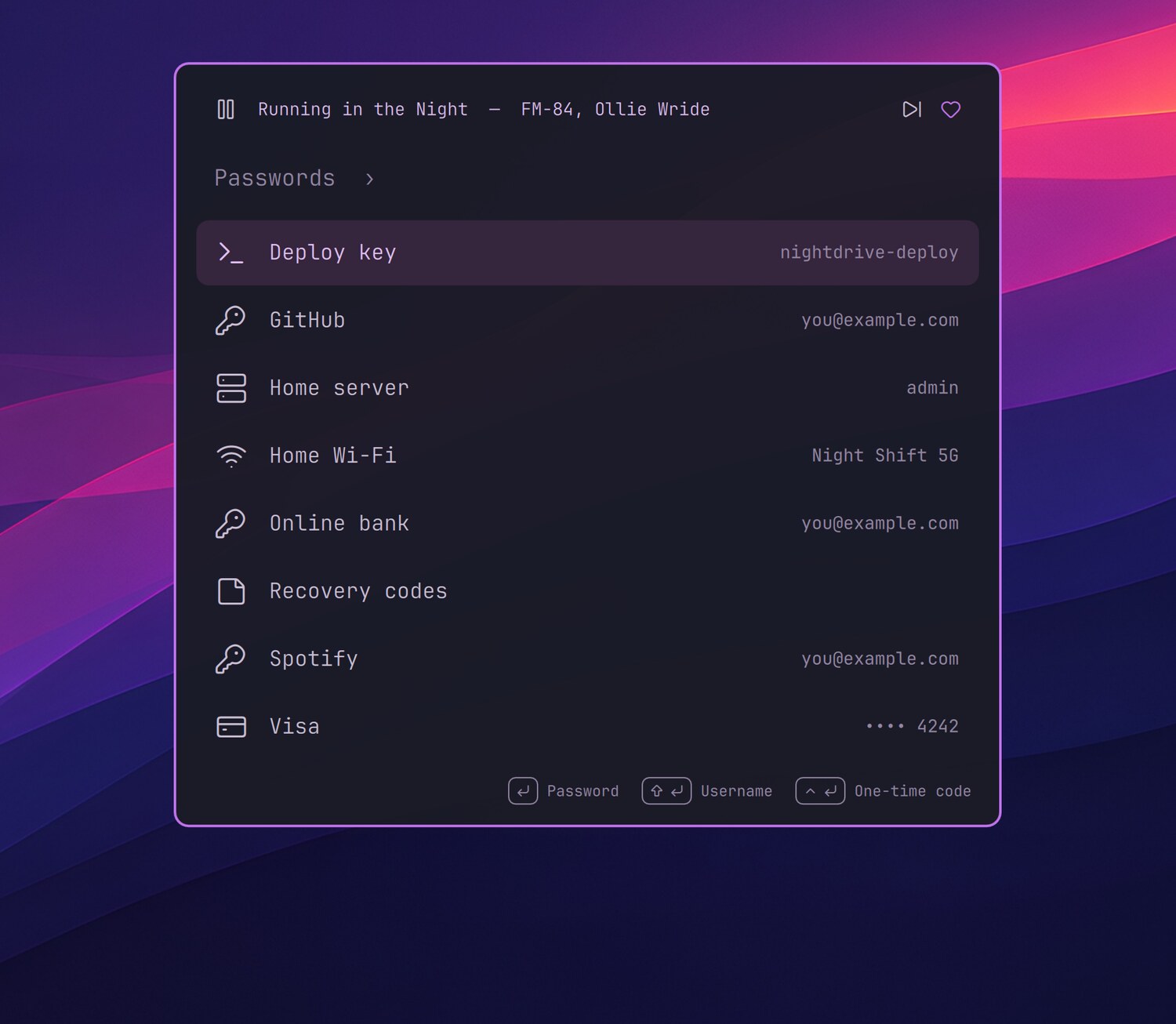
Your passwords without opening the 1Password window: the app and its op command line tool, set up for Nightdrive.
- Launcher › Passwords: search, and Enter copies the password, Shift+Enter the username and Ctrl+Enter the one-time code. A copied password leaves the clipboard after 45 seconds.
- Hyper+P (Caps Lock + P) brings up 1Password, hidden from screen sharing.
- The SSH agent keeps your SSH keys in 1Password, for Git and ssh.
Setting up
The installer gets the app from 1Password's own download (its signature checked) and the CLI from 1Password's repository. Then, in 1Password › Settings › Developer, turn on Integrate with 1Password CLI, which the Passwords level needs, and the SSH agent if you like. For Firefox, add the 1Password extension.
1Password's own keyboard shortcuts (Settings › General: Quick Access, Autofill…) don't work on Hyprland: the app catches them the X11 way, which a Wayland desktop doesn't pass on. Hyper+P brings up the app instead.