Home Assistant
Your smart home, a keystroke away.
nightdrive plugins install home-assistant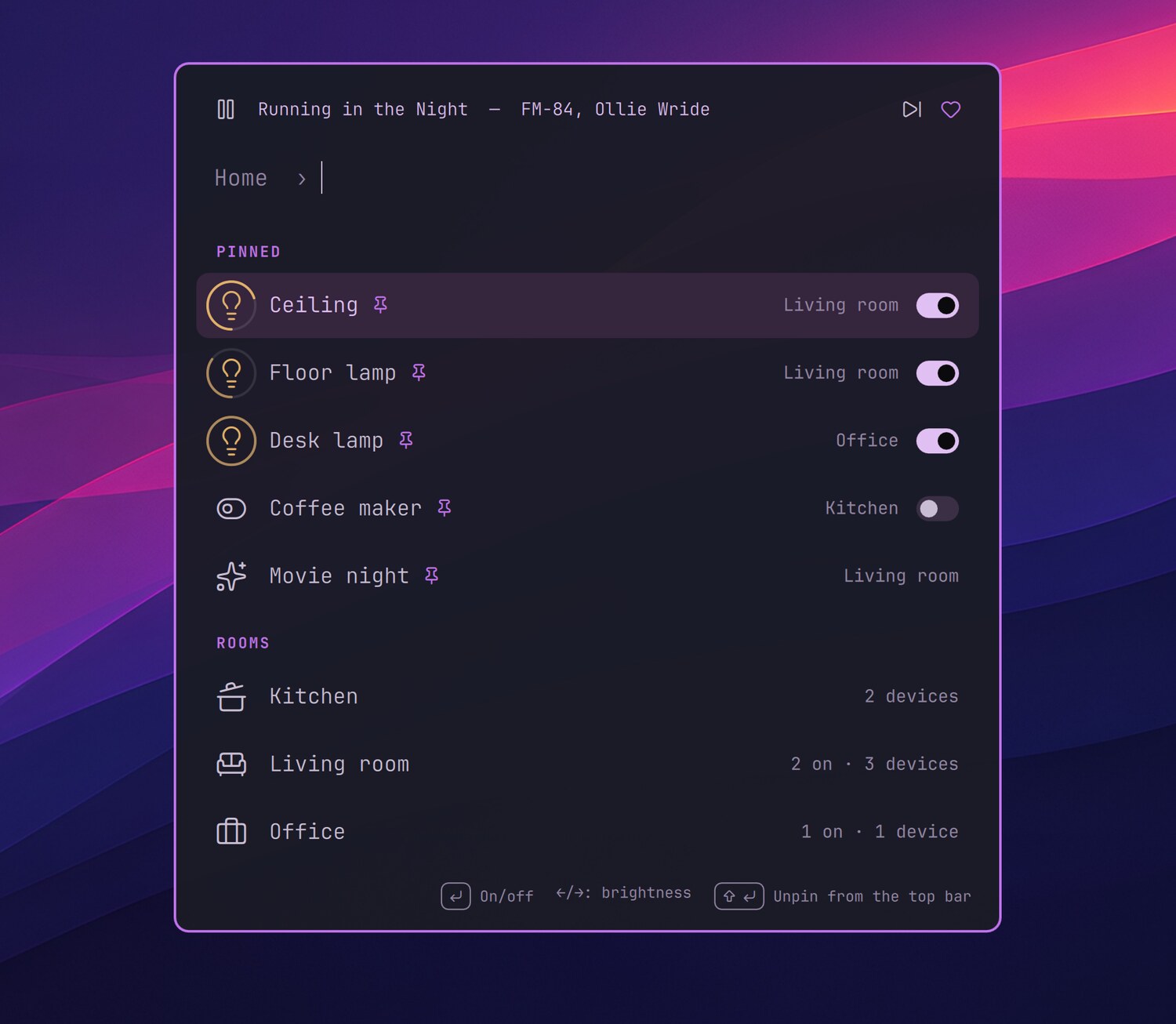
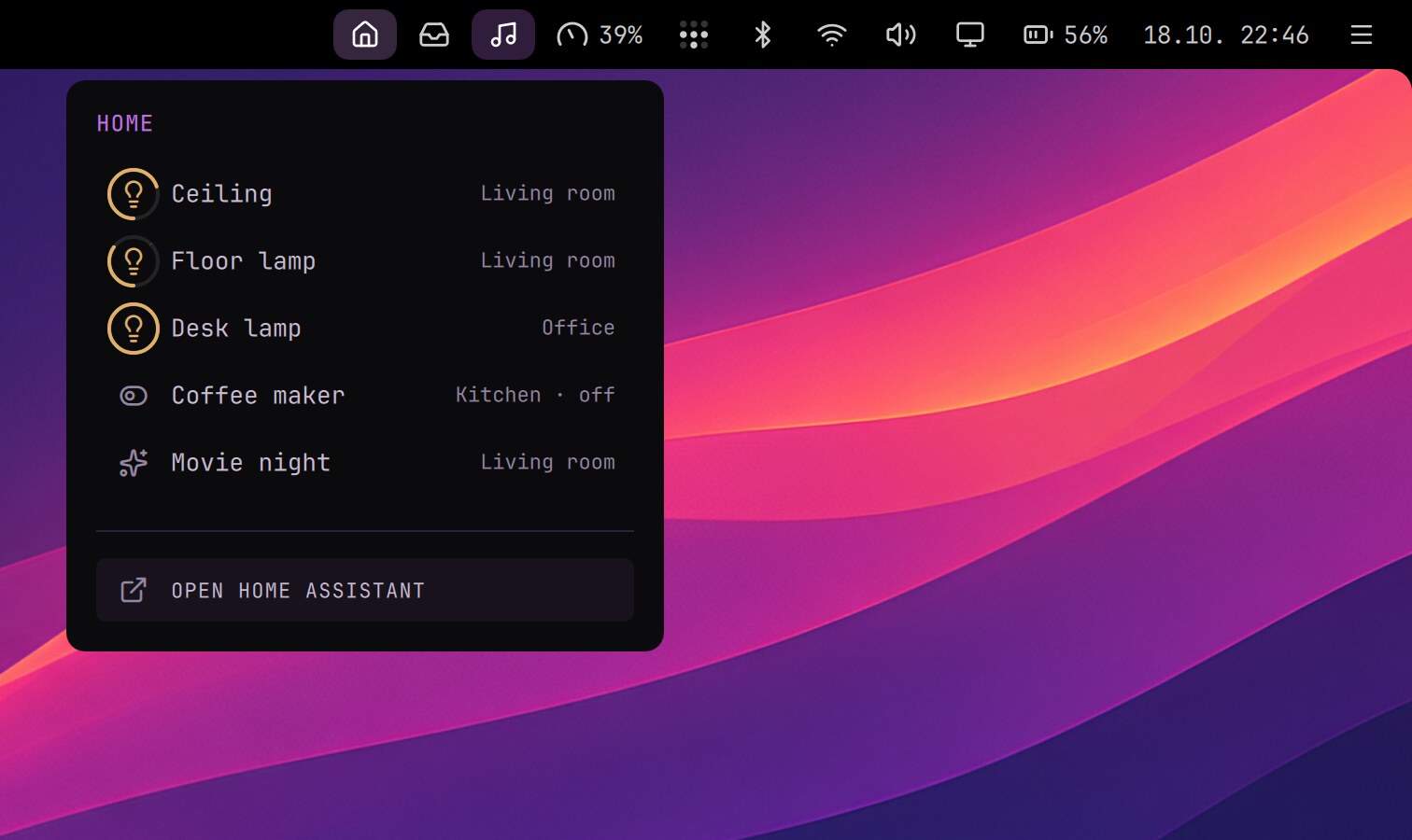
Your smart home on the desktop: lights, switches and scenes from the launcher and the top bar.
- Launcher › Home: your rooms, devices, scenes and scripts. Enter turns a device on or off, and ←/→ dims a light.
- Shift+Enter pins a device to the Home menu in the top bar, where a click switches it and the scroll wheel dims it.
- The house in the top bar fades while Home Assistant doesn't answer. A right click opens Home Assistant itself.
- Give it several addresses (home, Tailscale, Nabu Casa), and it uses the first one that answers, at home or away.
Setting up
The installer asks for your Home Assistant addresses and a long-lived access token (in Home Assistant: your profile › Security; a 1Password op:// reference works too). Run it again to change them.