Deck
On by default
A fast Spotify player, made for Nightdrive.
nightdrive plugins install deck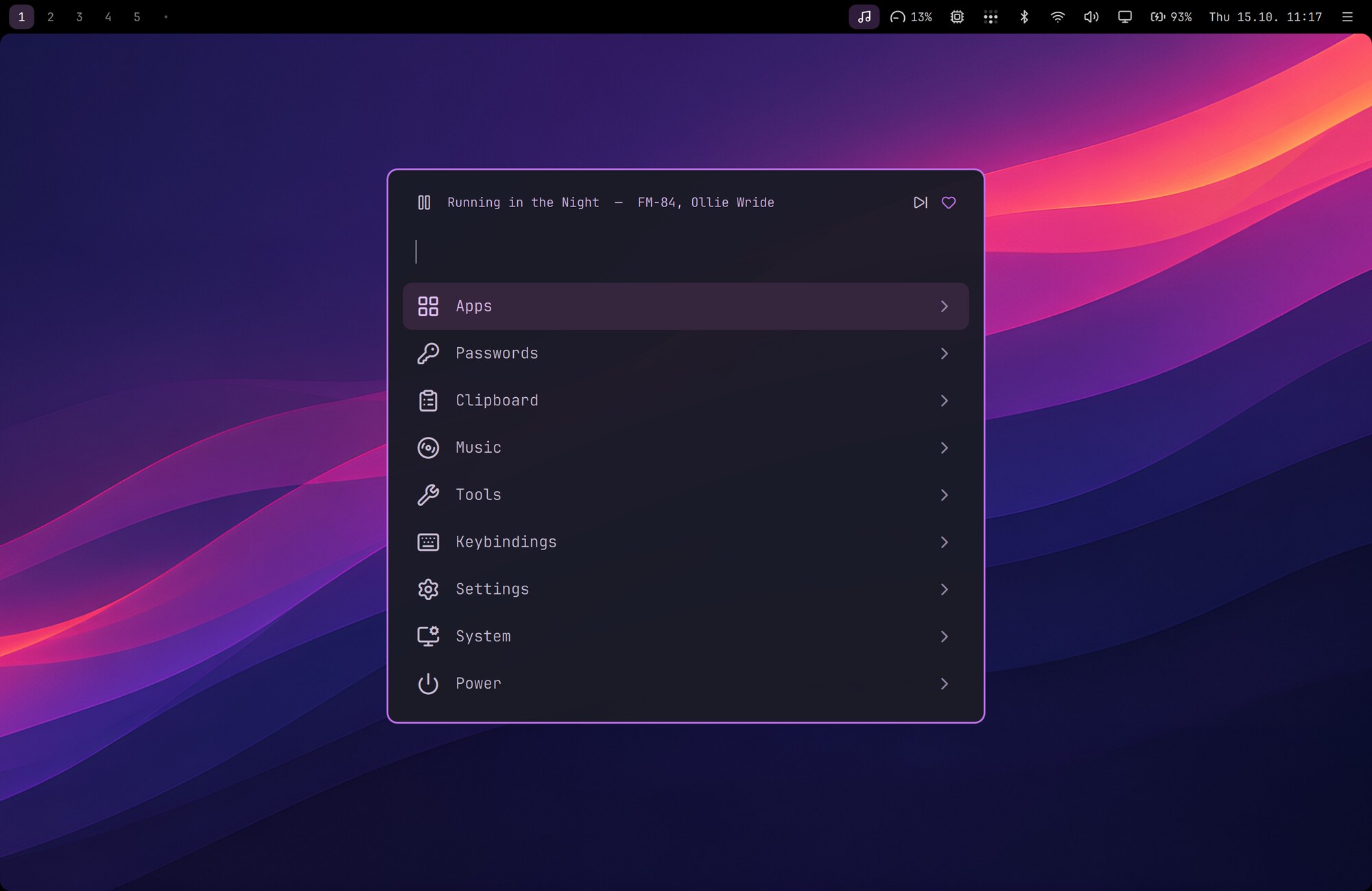
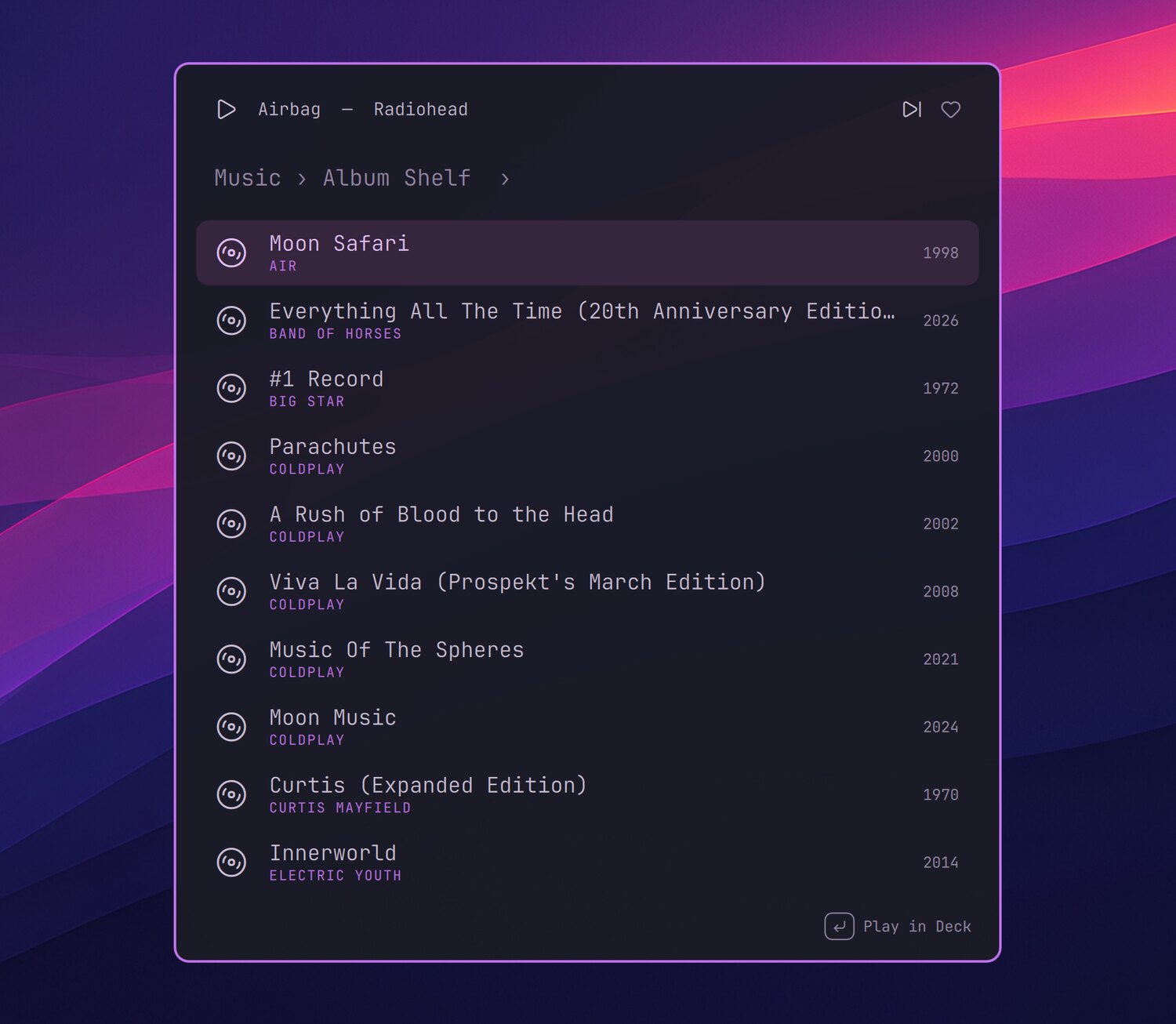
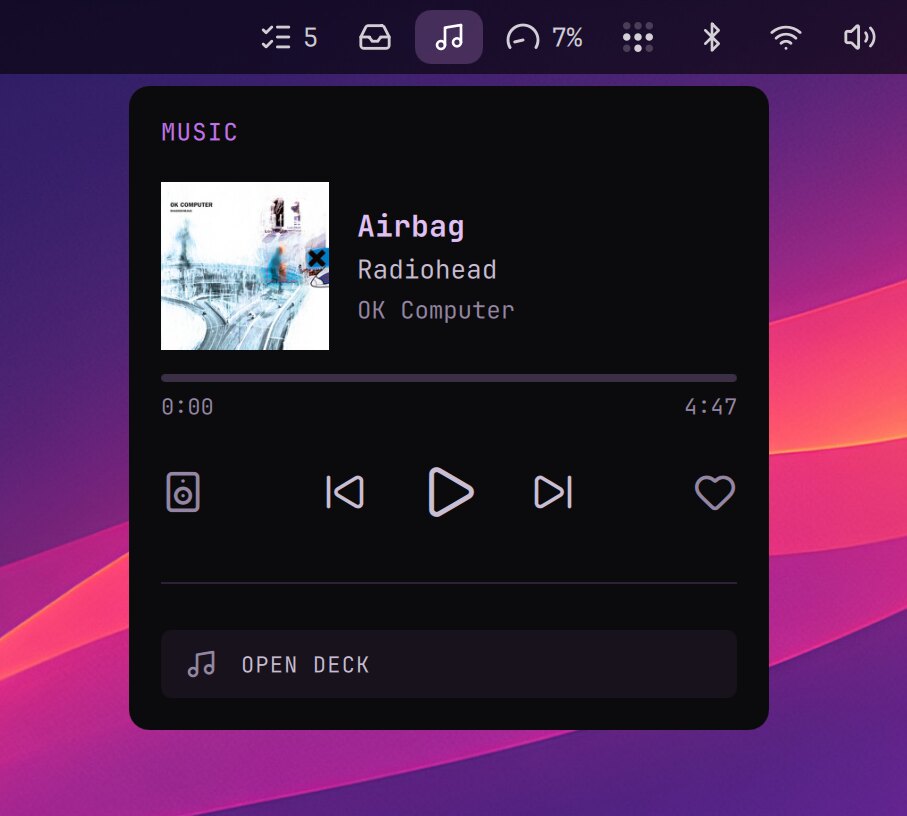
A fast Spotify player, made for Nightdrive: your albums in the launcher, the player in the top bar, and a window only when you want one.
- Launcher › Music: your albums, the Curated list and Spotify search. Enter plays.
- While music plays, a player row sits on top of the launcher, and Ctrl+Space plays or pauses.
- The music icon in the top bar opens the player: the cover, the controls, the like and the speaker to play on.
- Hyper+M (Caps Lock + M) opens Deck's window. ⌘W hides it, and the music keeps playing.
Setting up
The installer builds Deck from source (a few minutes), and nightdrive update builds it again when it changes. Deck needs the Client ID of your own free Spotify developer app: Deck's README shows how.