Tailscale
On by default
Your own devices, one private network.
nightdrive plugins install tailscale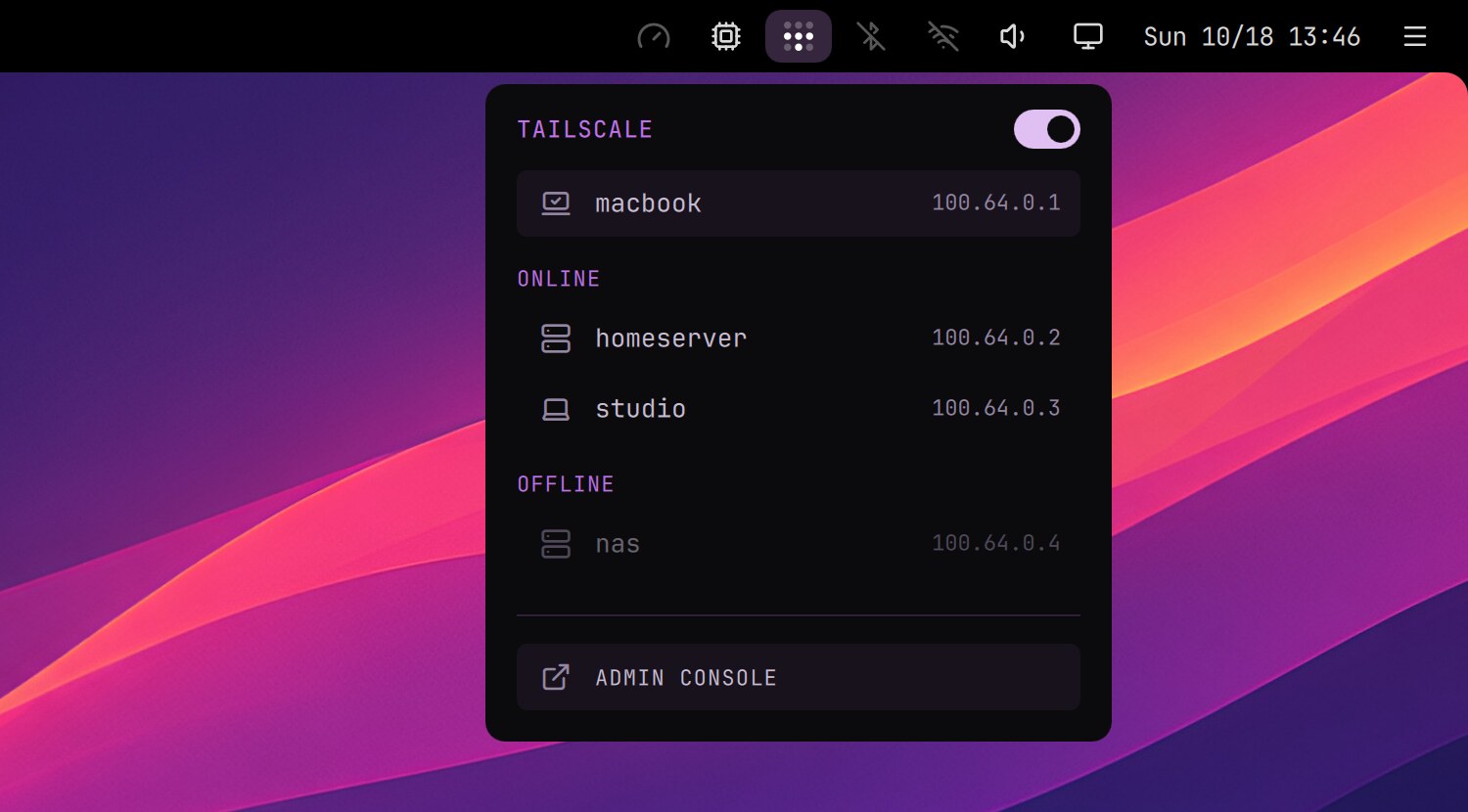
A private network between your own devices: reach your home server, NAS or Home Assistant from anywhere, as if you were at home.
- The icon in the top bar shows whether you're connected. A right click turns Tailscale on or off.
- Its menu lists this computer and your other devices: a click copies a device's address.
- The launcher has it too: Settings › Tailscale.
Setting up
Log in once after installing, and let the top bar turn Tailscale on and off without a password:
sudo tailscale up
sudo tailscale set --operator=$USER