The drawer
⌘⇧D drops the active window into the drawer, and ⌘D slides the drawer up over your windows, dimming and blurring the rest. ⌘D again puts it away. ⌘⇧D in the drawer sends the window back to the workspace and place it came from. It suits notes, a to-do list or a chat you want one keystroke away without giving them a workspace of their own.
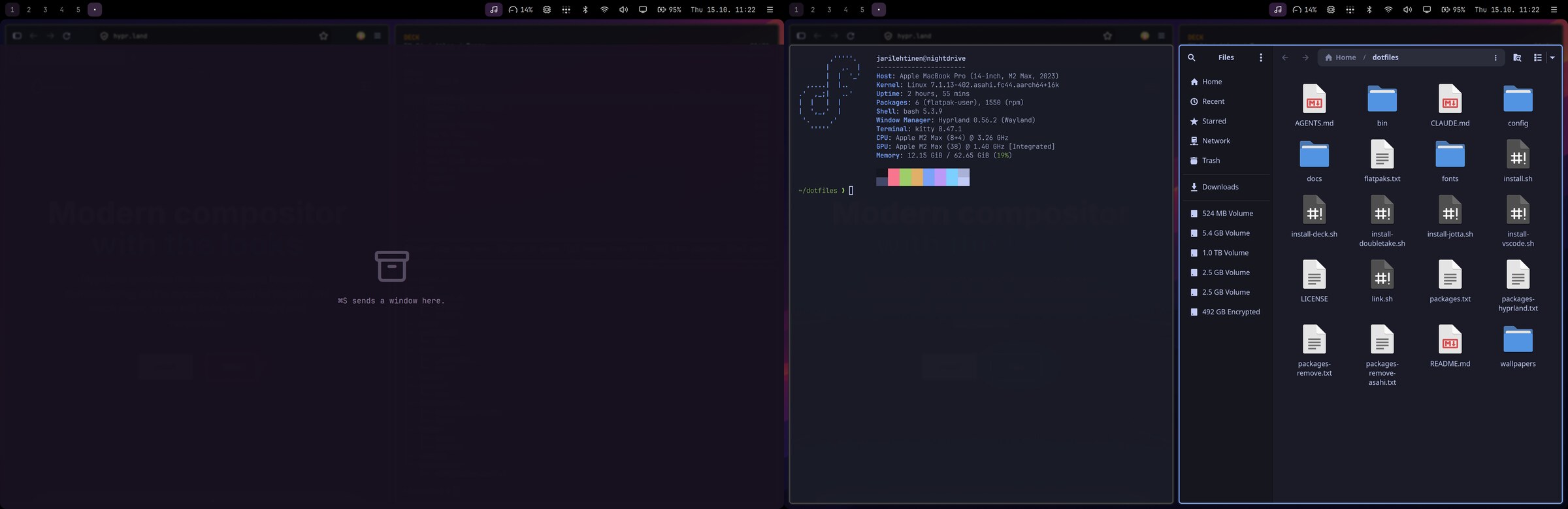
From README.md › A drawer for what you want at hand in the Nightdrive repo