Little things
- Shelf: drag a file to the top edge of the screen to park it, then drag it into another app (like Dropover / Yoink).
- Dictation: hold F5 (or Fn on a Mac), speak, and let go. It runs fully offline with Voxtype and Parakeet (setup).
- Snippets: text snippets in launcher › Tools › Snippets; Enter pastes one. Turn on auto-expand and typing a trigger anywhere replaces it with the text.
- From your phone (experimental plugins): LocalSend receives files from a phone after you accept them in a notification, and AirPlay Receiver mirrors an iPhone, iPad or Mac into a window. Ferry is a mailbox over Tailscale: drop files on its top bar icon and they wait for the phone, which needs no app, only a web page on its Home Screen.
- Screen Mirroring: mirror the screen to an Apple TV or an AirPlay TV from the display menu or the launcher (search "airplay"), with sound. Google Cast works from Chromium (⋮ › Cast…). Sharing the screen, for these and video calls, asks in a themed window: the whole screen or one window.
- Themes: seven colours that change the whole desktop at once, two synthwave wallpapers and your own (Settings › Theme).
- Screensavers: a synthwave sunset and a falling-characters rain, both drawn in the terminal, and a big clock whose digits slide up as the minutes change.
- Background apps: ⌘W only hides chat apps and the music player, so they keep running. Their shortcut brings them straight back.
- Web apps: turn any site into an app window from the launcher (System › Install › Webapp), and remove one in System › Remove › Webapps (its logins go with it). Their notifications come with the web app's own name and icon, not Chromium's.
- Default apps: which app opens links, mail, folders, text, code, images, video, music, PDFs and calendar files, in the launcher (Settings › Default apps, or
nightdrive defaults). Hyper B, F and E open the browser, Files and Email you chose. - Keyboard Shortcuts: which app Hyper + a letter or digit opens, in the launcher (Settings › Keyboard Shortcuts, or
~/.config/hypr/scripts/app-keys). Your choice replaces a default, Nightdrive's or a plugin's, and the key list shows it. The other shortcuts are in the config files (Make it yours). - Login apps: you choose what starts at login in the launcher (Settings › Startup, or ⌥Enter on an app). Background apps start hidden. Only 1Password (if installed) is on by default, because its SSH agent and the Passwords level need it.
- Login screen: a password-only greeter that matches the theme (
--no-greeterkeeps the distribution's own).
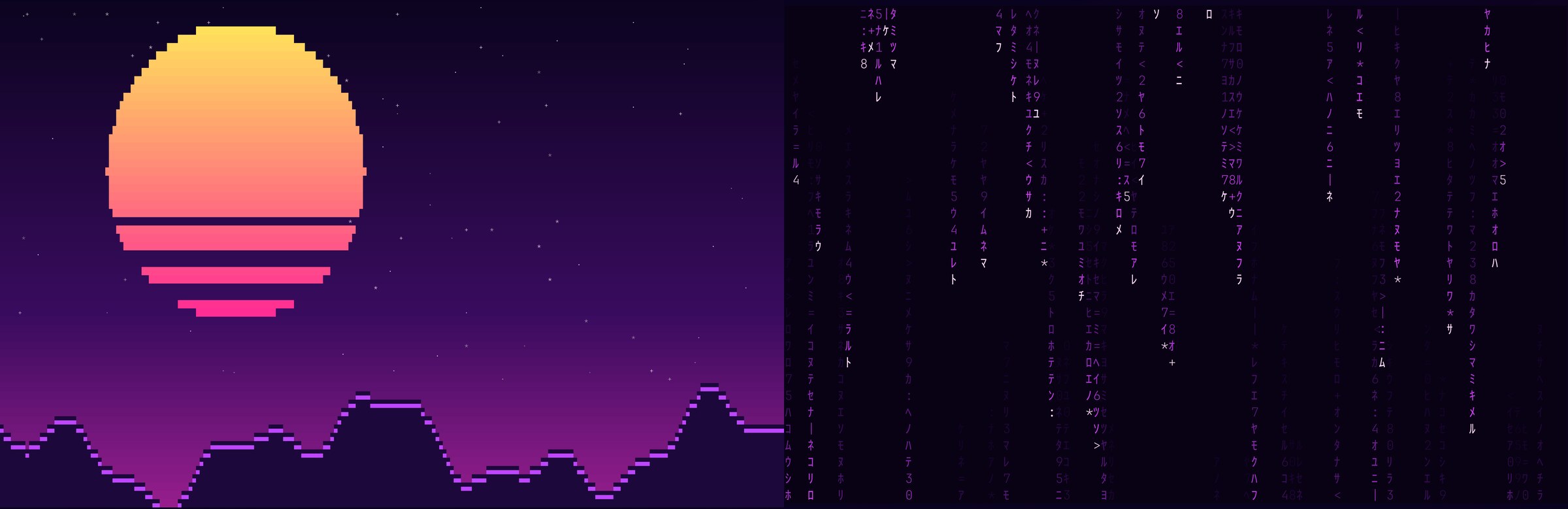
From README.md › Little things that add up in the Nightdrive repo