Claude writes
Select a rough draft in any app and press ⌘⇧C. Claude writes it out in a tone that fits the place, and nothing goes in before you've seen it.
NIGHTDRIVE'S OWN APPS
Nightdrive's own apps, made for the keyboard. Mail, Contacts, Deck and Ferry come with every install and stay quiet until you set them up; Garage is there when you want it.
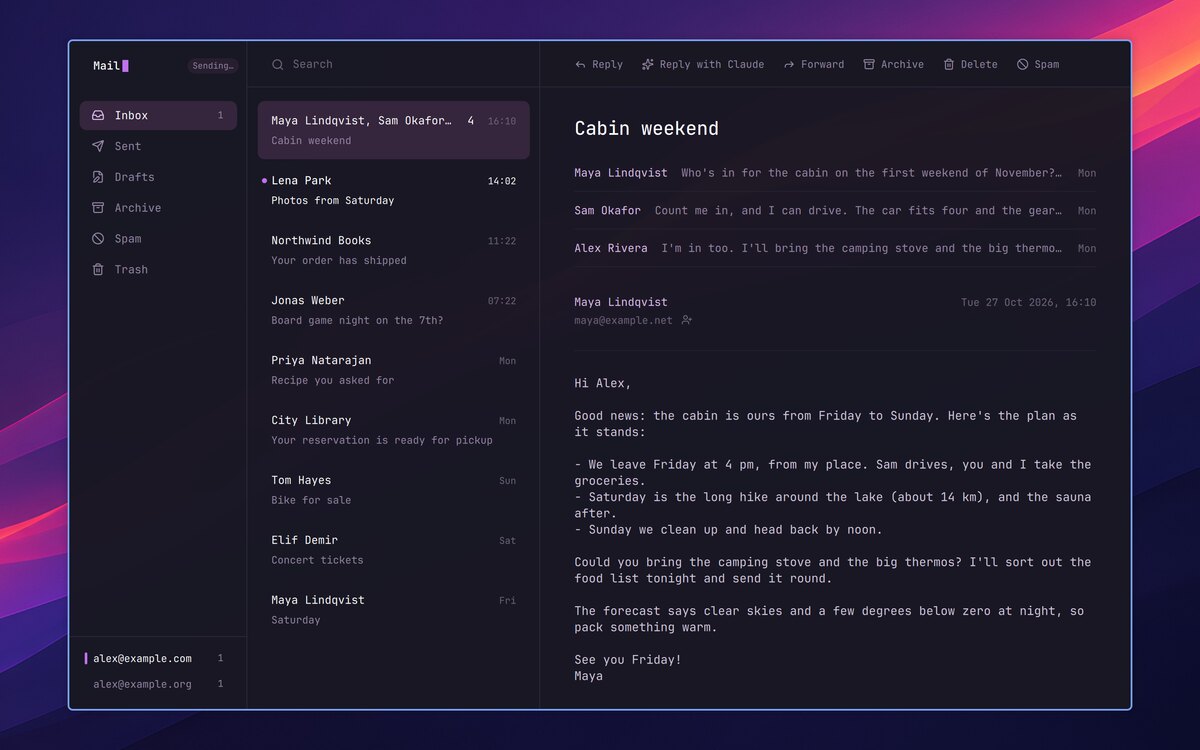
 Mail
MailYour inbox, quiet and quick. Answer from the notification, or let Claude draft the reply.
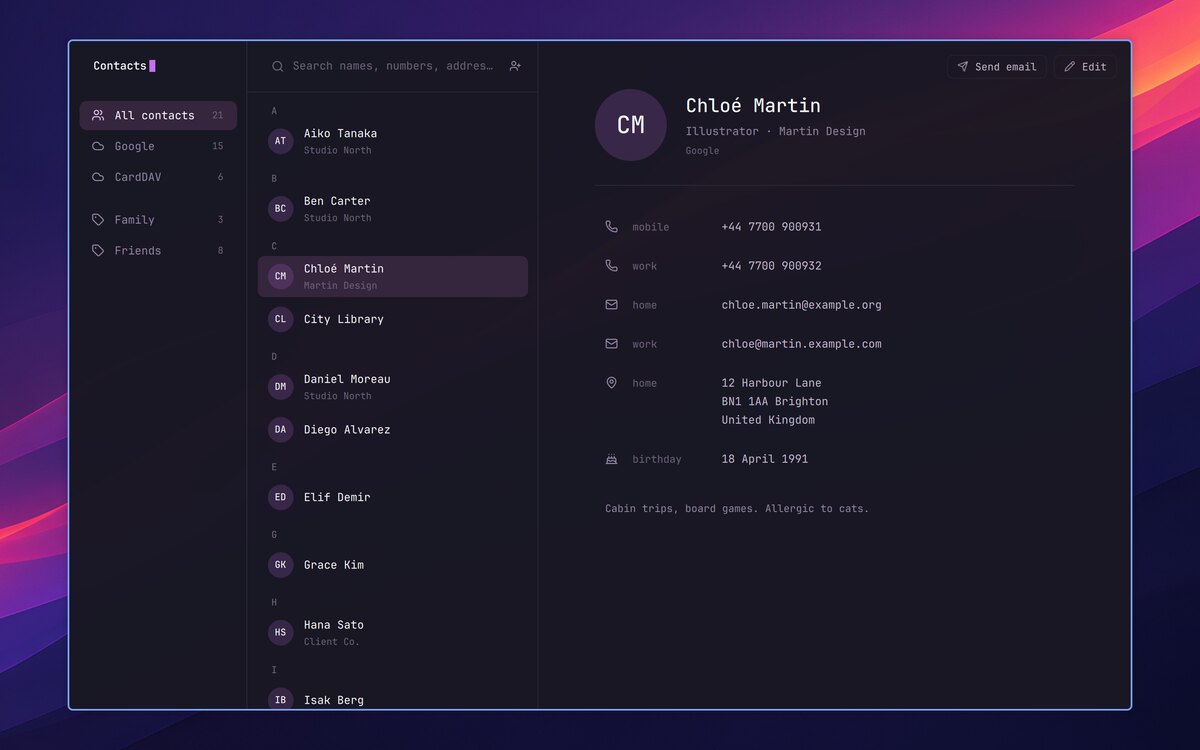
 Contacts
Your iCloud and Google contacts, in sync both ways. Mail and the Launcher find them too.
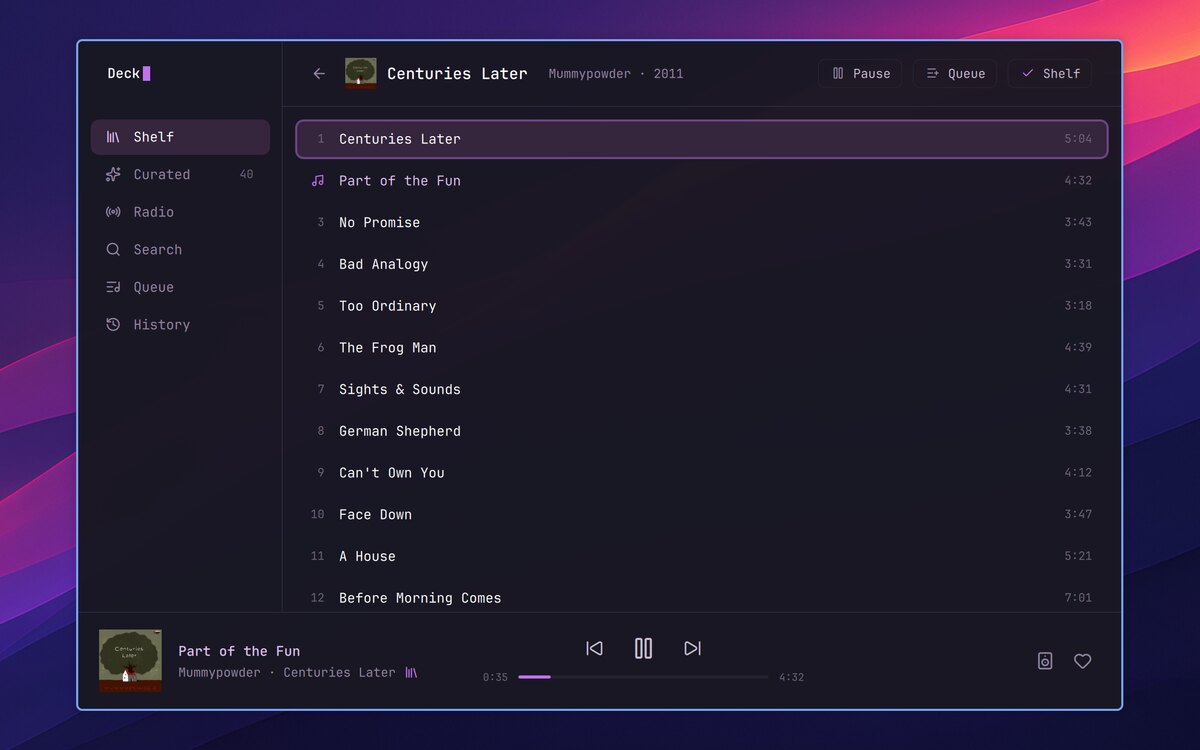
 Deck
DeckSpotify in a window of its own: your shelf, Curated picks and genre radio. Needs Spotify Premium.
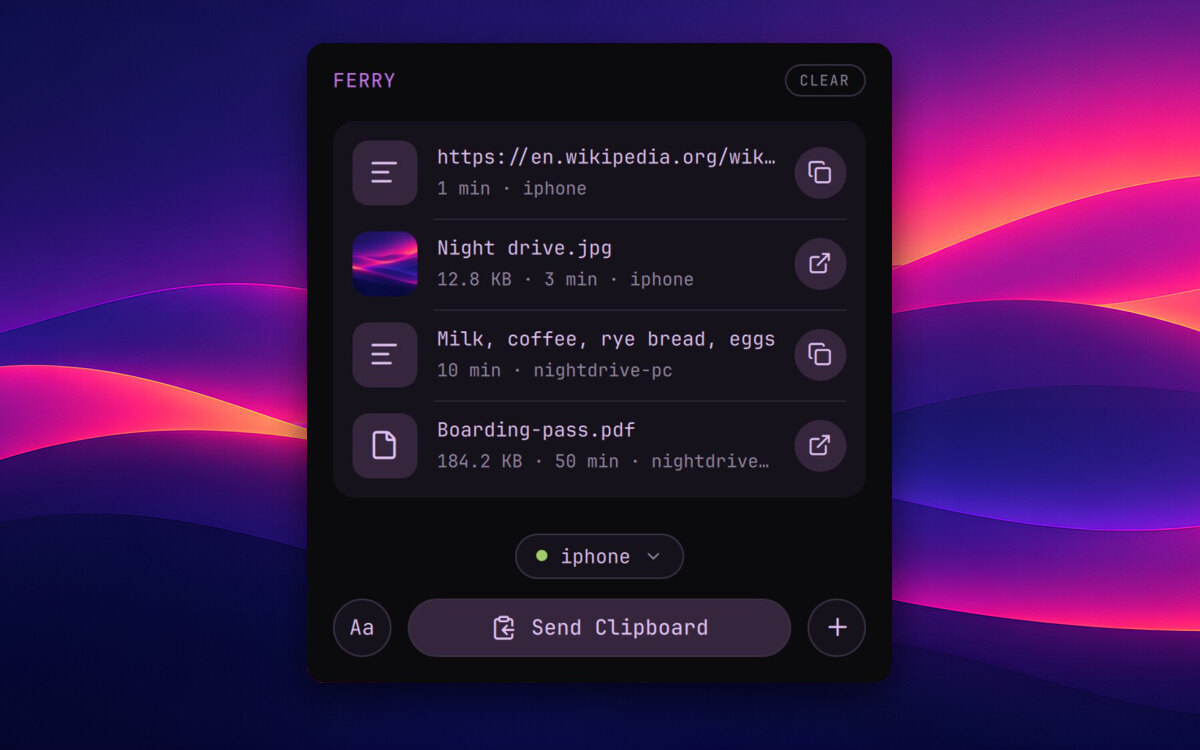
 Ferry
FerryFiles and text both ways with your phone, over Tailscale.
Own site ↗
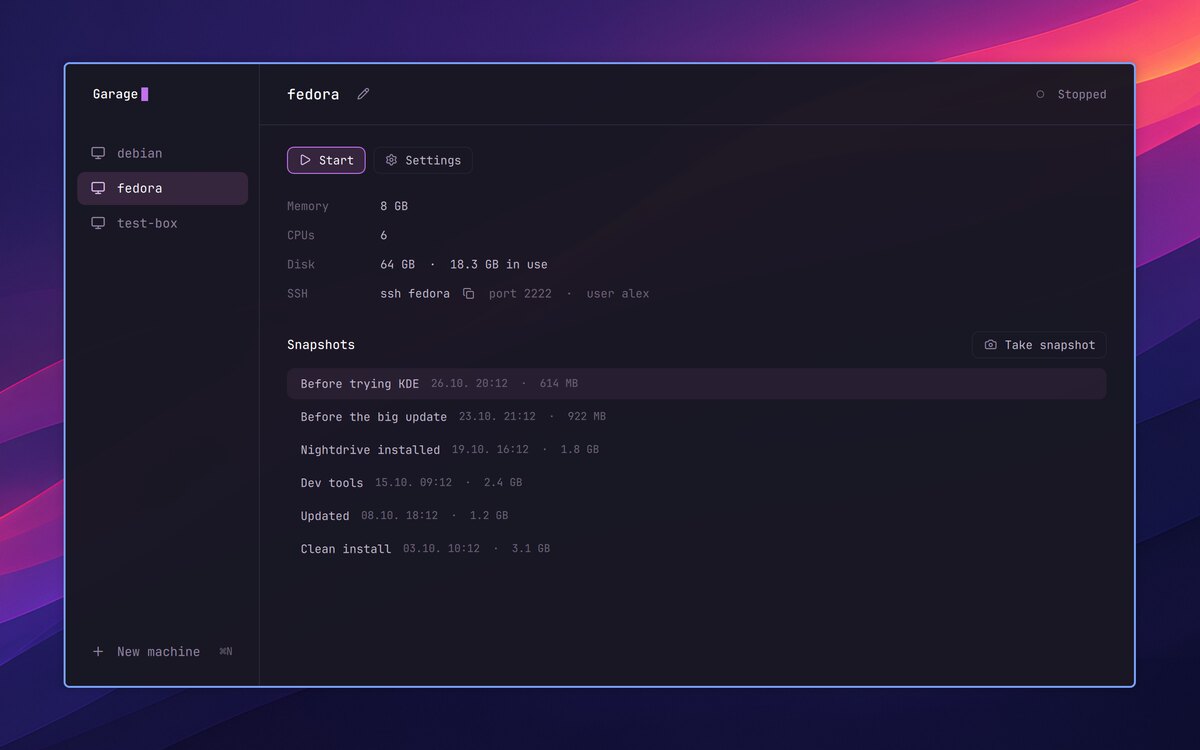
 Garage
Virtual machines in a window, with snapshots, at nearly the machine's own speed.
Optional
MADE FOR TILING
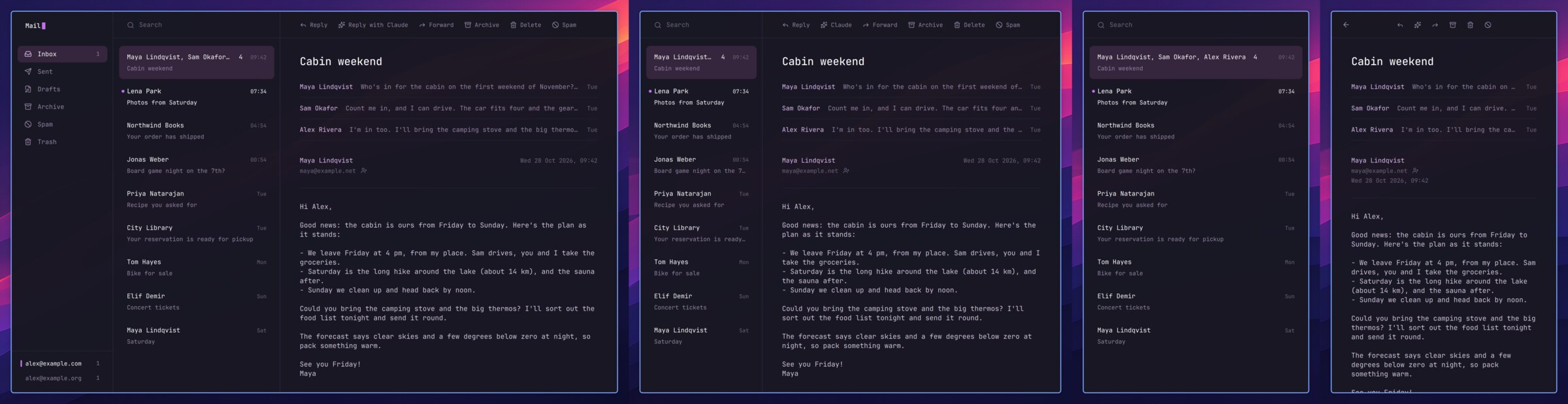
Nightdrive's apps fit the window they're given, tiled beside another or alone on the screen. Narrower, the sidebar steps aside; narrower still, the list and the message take turns.
CLAUDE IN NIGHTDRIVE
Nightdrive works with Claude Code, signed in with your own Claude account. It writes for you in any app, answers from the Launcher, and sets things up with you.
Select a rough draft in any app and press ⌘⇧C. Claude writes it out in a tone that fits the place, and nothing goes in before you've seen it.
Type a question in the Launcher and press ⌘⌥Enter: Claude Code opens with it. A crashed app's notification asks Claude why it happened.
Reply with Claude writes the answer in the message's language, signed with your name, for you to read before you send it.
Claude picks albums for you from what you listen to, and makes a new list when you ask.
At your first login, Claude sets up Tailscale, Mail, Contacts and Deck with you, each in a session that does only that.
Your Claude Code sessions and your plan's usage limits, a click away.
These need a paid Claude plan, Pro or Max. Everything else in Nightdrive works without one.